Frequently Asked Questions
My PC won't boot at all. How can I even run the toolkit?
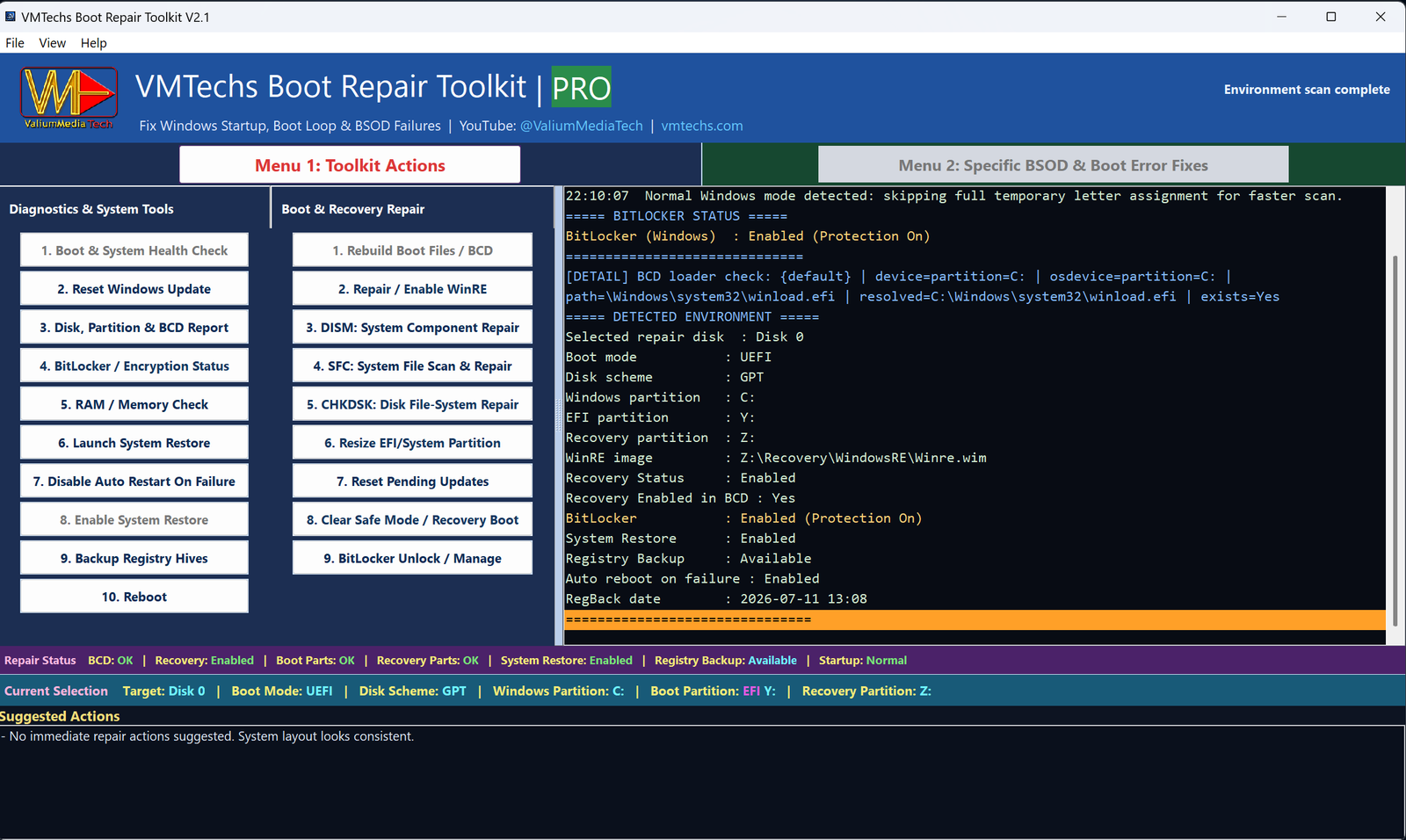
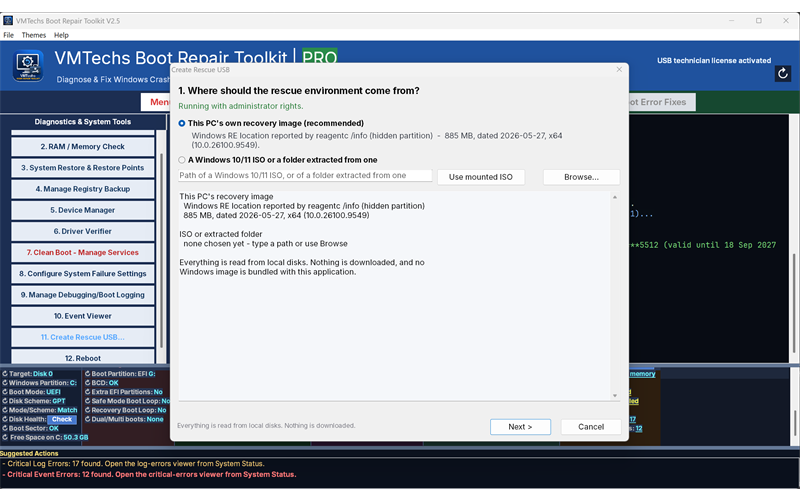
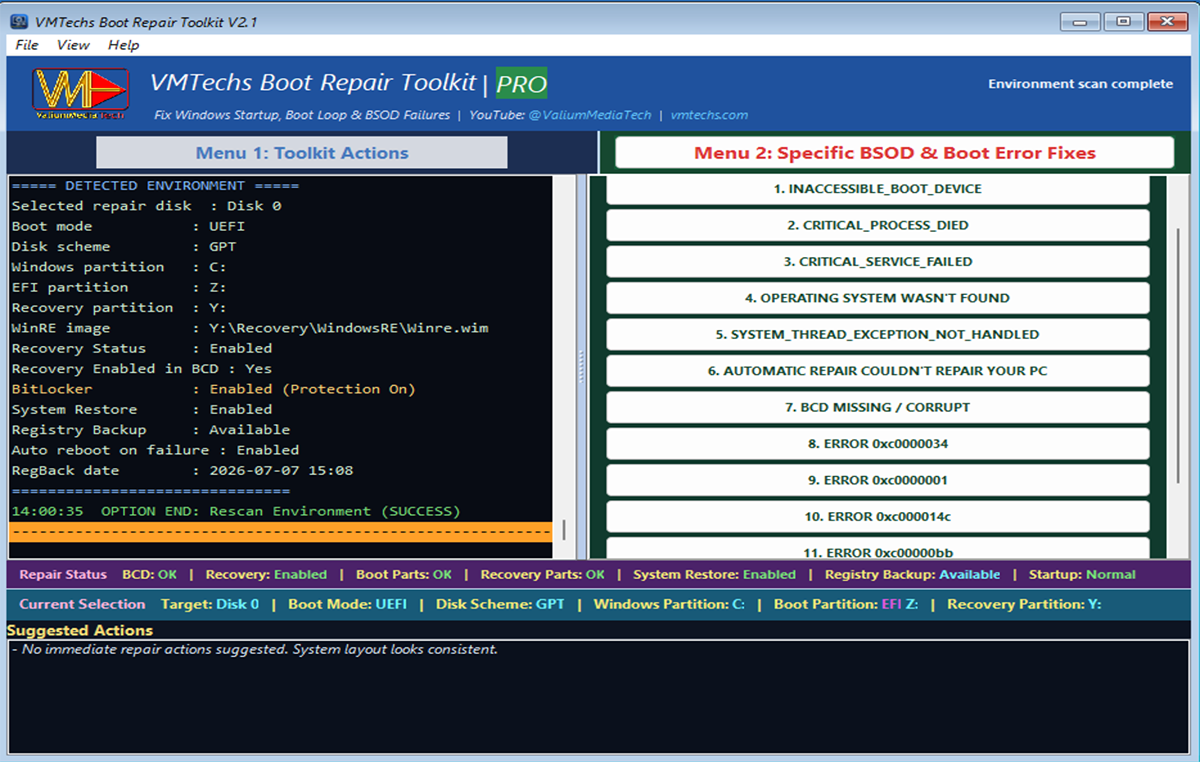
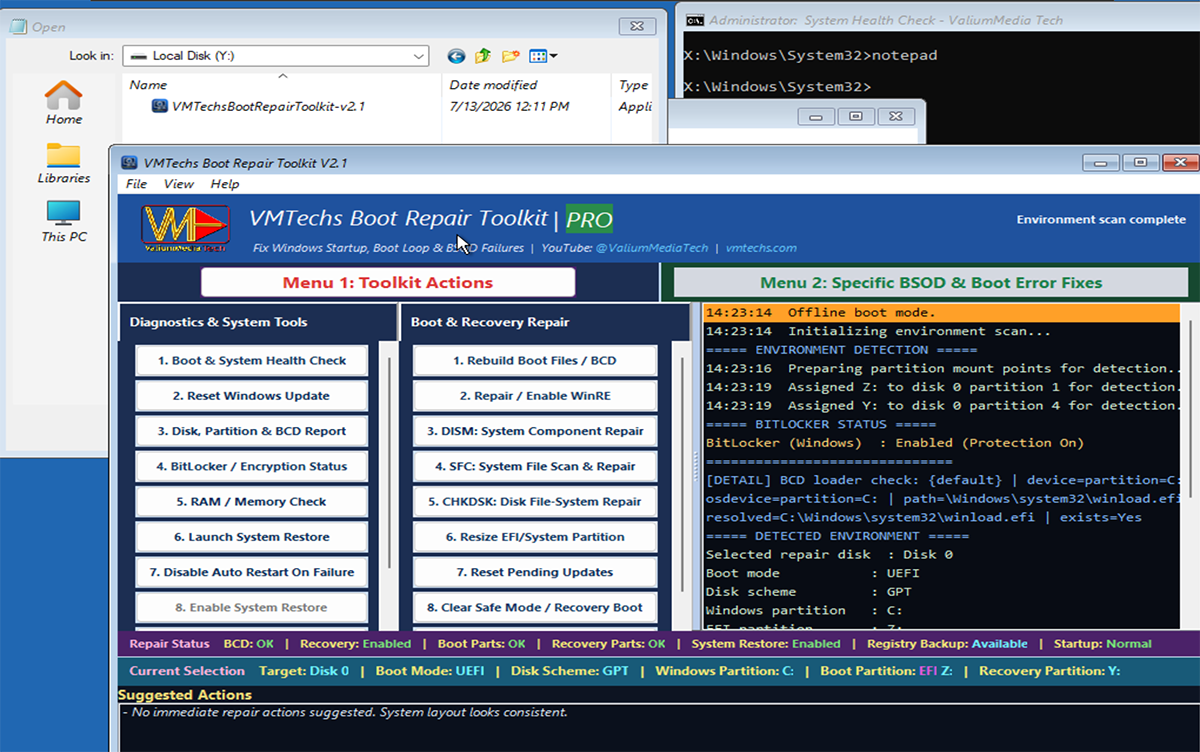
That's exactly what it's built for. Put the toolkit on a USB stick and start the PC from the Windows Recovery Environment or any WinPE-based USB (millions of technicians' USB sticks already have WinPE on them). The toolkit detects your Windows installation automatically and shows you the repairs that apply. Better still, on any PC that still starts, Create Rescue USB turns a plain stick into a bootable drive that opens the toolkit on its own.
Can I carry a USB stick that boots the toolkit by itself?
Yes — that is exactly what Create Rescue USB is for. On any PC that still starts, the option turns a plain USB stick into a bootable rescue drive: it is formatted FAT32 so every machine accepts it, and it is built from that PC's own recovery image or from a Windows 10/11 ISO — nothing is downloaded and no Windows ADK is needed. Boot the broken PC from the stick and the toolkit opens straight away. It is free in every edition.
Do I need to install anything?
No. It's a single portable file (~13 MB) with zero dependencies. Repairs work offline. Optional network features include online activation, update checks you request, and the signed malware hash-database download when its option is checked (checked by default with the internal engine); session reports are sent only if you opt in and choose to share.
Will it delete my files or reinstall Windows?
Boot-repair tools do not reinstall Windows or format the Windows partition. The optional malware scanner is separate: it shows findings before cleanup, and selected file removals use a hash-verified quarantine copy that can be restored unless you purge quarantine. Community-only hash reports never trigger cleanup; risky structural operations ask for explicit confirmation.
What exactly do I get free, and what needs PRO?
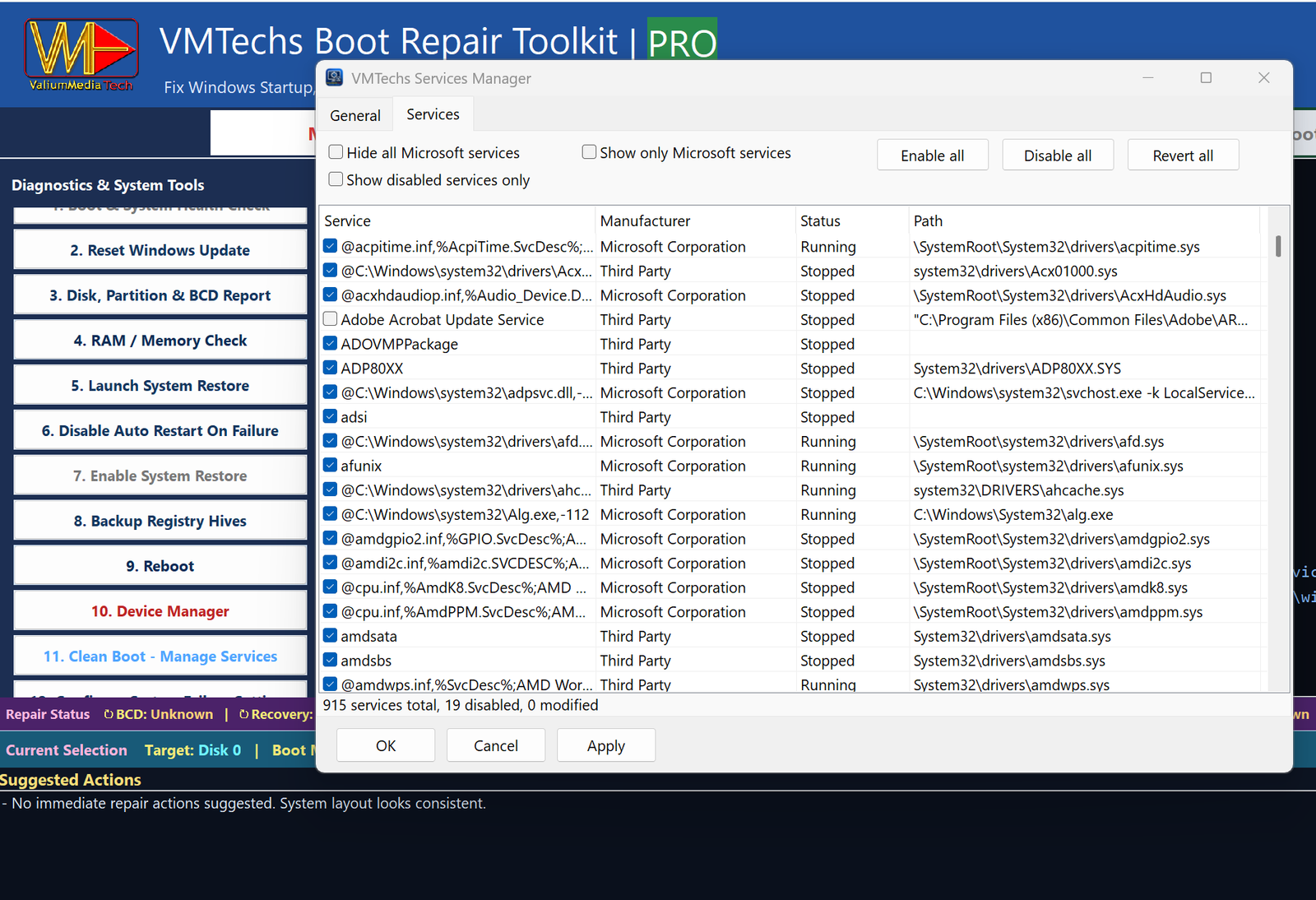
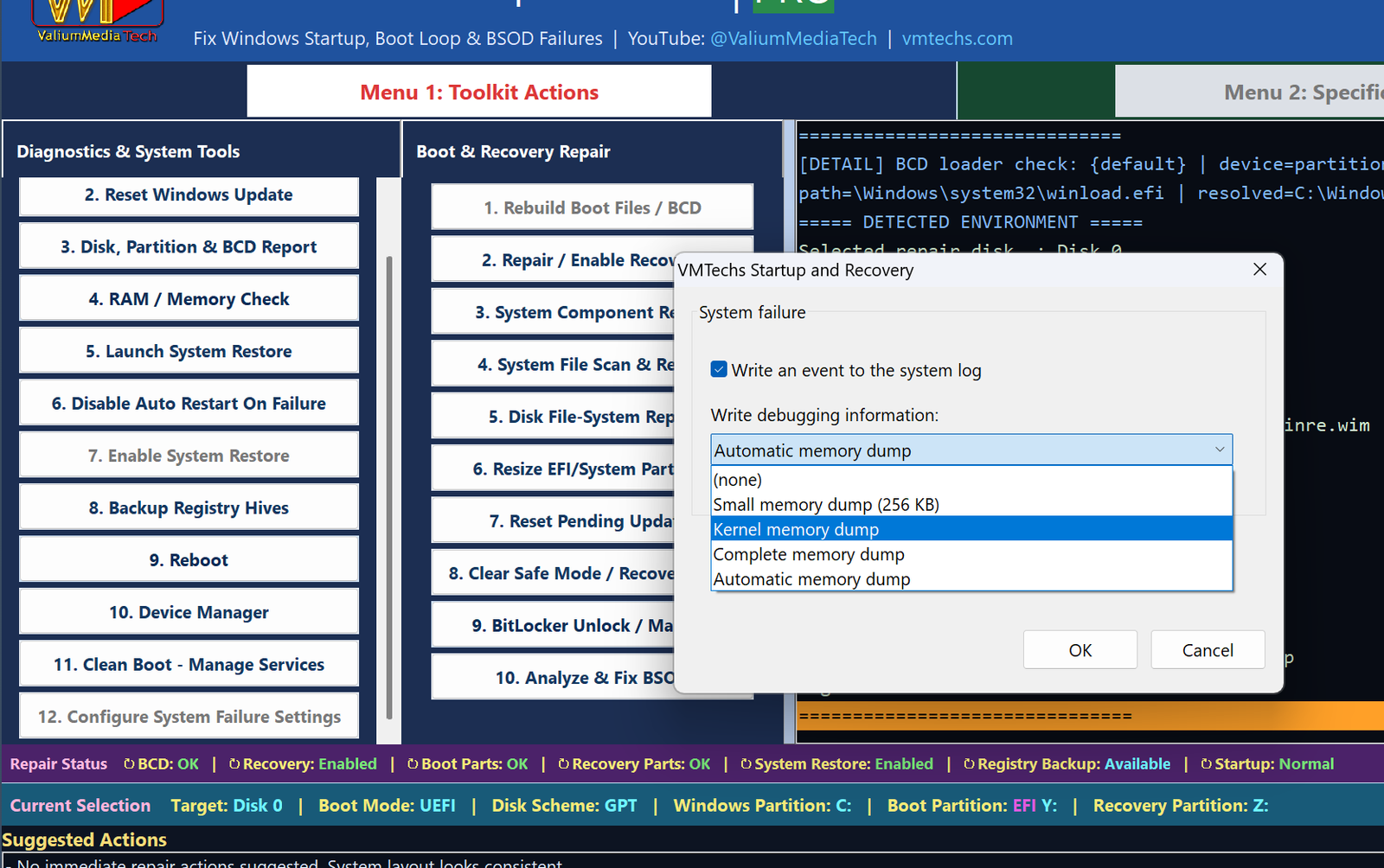
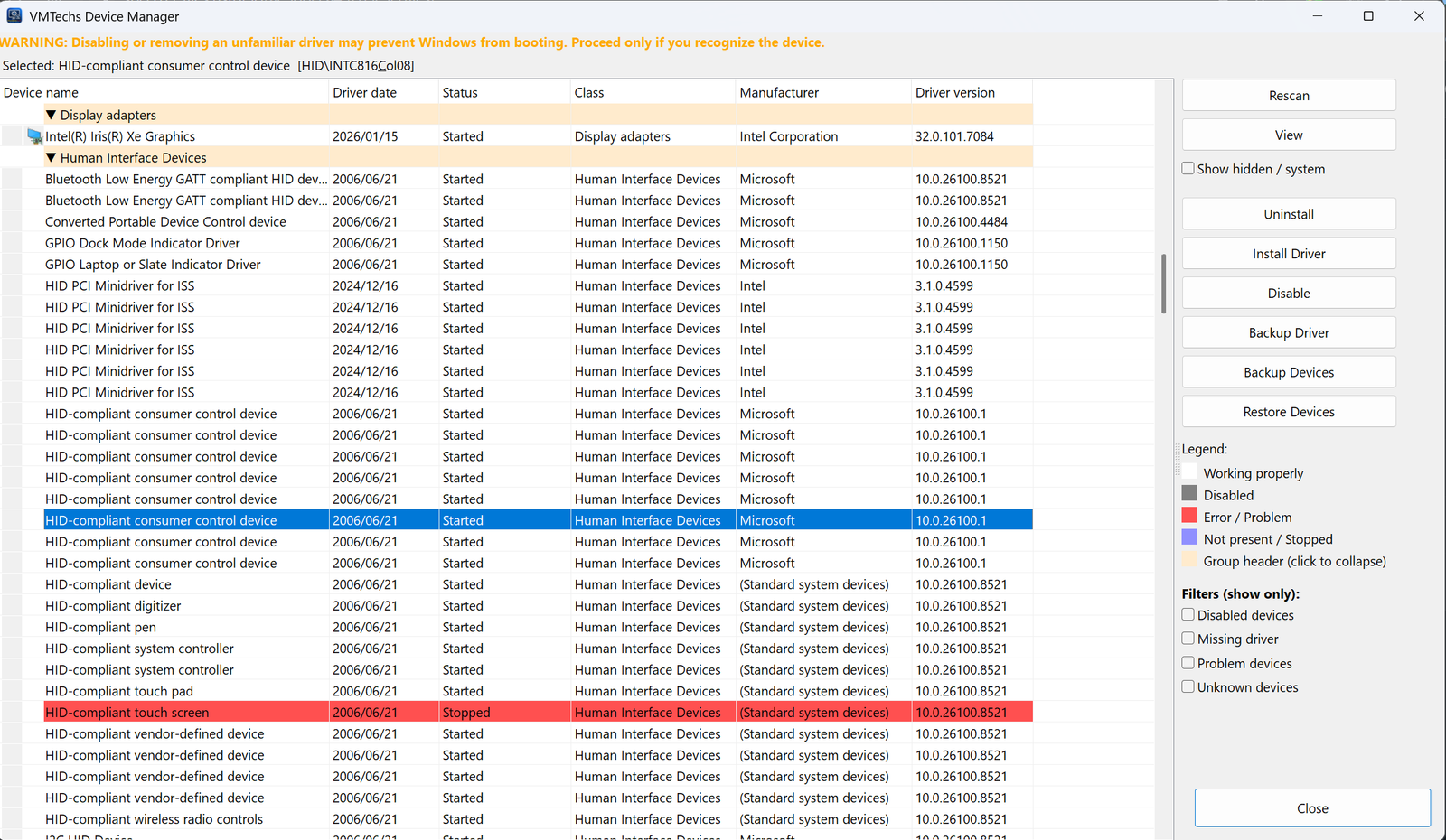
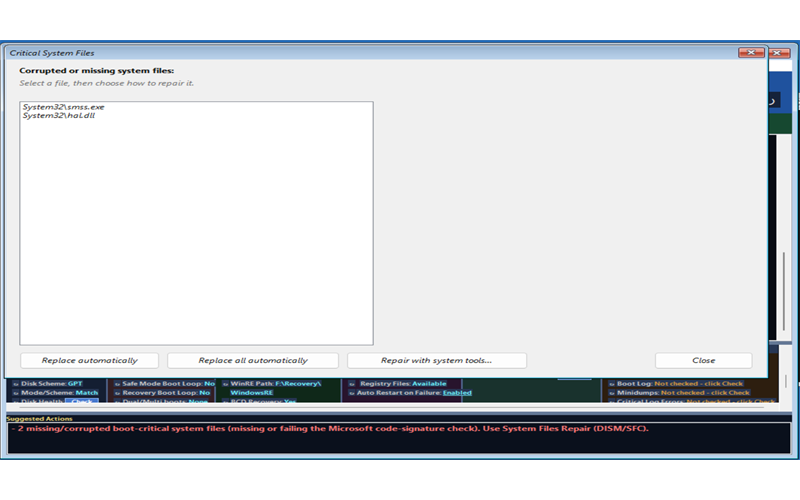
FREE gives you the complete diagnostic suite (health check, disk & boot report, suggested fixes), memory check, System Restore tools (launch & enable), registry backup & restore, reset pending updates that block startup, MBR-to-GPT conversion, BitLocker status and unlock, the full System Status dashboard, a read-only system file check, the rescue USB builder, and smart reboot — forever. PRO unlocks the heavy repair actions: boot-file and BCD reconstruction, recovery-environment repair, deep system-file and component repairs, disk file-system repair, repair Windows Update, startup-mode recovery, BSOD analysis & repair (61 bug check and boot-error codes), repair of the 24 boot-critical system files verified by Microsoft code signature, storage-driver recovery, Device Manager, Services Manager, system failure settings and BitLocker key search.
Are app updates free?
Yes — every new version of the toolkit is a free download. From the app, choose Help > "Check for Updates..." to compare the version, build and checksum; if you accept a newer release, the app downloads it and verifies its SHA-256 before asking you to reopen it. You can still download manually. The check/download needs an internet connection, but repairs do not; a PRO licence remains valid for the term you purchased.
What is the new online activation method?
Buy with your
email instead of a Request Code and the activation code is emailed to you at payment. In the app, open
Activation → Online activation and enter both — the PC activates on the spot, from running Windows or even from WinRE/WinPE when connected. The first computer that activates binds the license to itself. A PC with no internet can still use the
conversion page on any phone or other device to turn the pair into a classic offline key.
My PC has internet (or can connect in WinRE). How do I activate PRO?
Three steps.
1) Buy with your email at
vmtechs.com/activate/buy — the activation code is emailed to you the moment payment completes.
2) In the app, open
Activation → Online activation — it connects from running Windows and even from WinRE/WinPE — and enter your email plus the code.
3) Done: the app shows ACTIVATED (ONLINE), and the license keeps working offline afterwards. The first computer that activates binds the license to itself. Lost the email? The
retrieve page re-sends the code once a day.
The broken PC has no internet. How do I activate PRO on it?
Two ways. With a connection (even inside WinRE/WinPE): use the new online activation — buy with your email, then enter the emailed code in the app under Activation → Online activation. Without one: activation stays 100% offline on the PC side — the app shows a short Request Code and a QR code; scan the QR with your phone (or type the code on any device with internet), pay, and receive your activation key instantly. Type it into the app or load it from a USB file. Done.
What if I reinstall Windows later?
Nothing to repay on the same PC — your license survives reinstalls. Just enter your Request Code again on the
retrieve page — or, for an email purchase, just the activation email — and you'll get your key (or a fresh copy of your code) back instantly, free. Only a
different computer needs a new license. (Replaced major hardware? Contact
[email protected] and we'll sort you out.)
My drive is BitLocker-encrypted. Is that a problem?
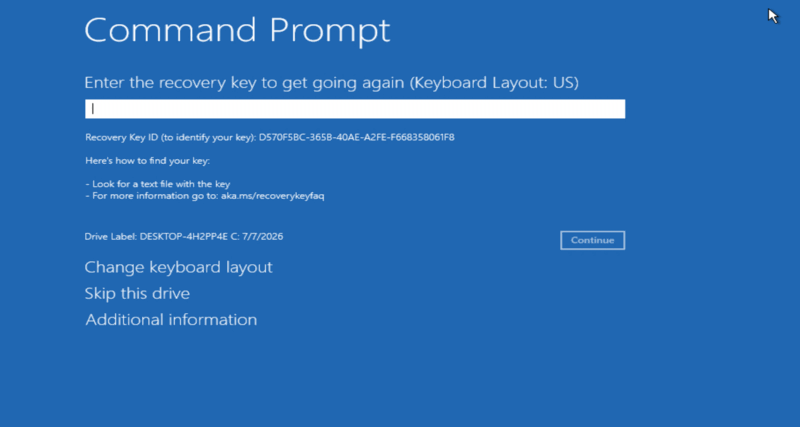
The toolkit is BitLocker-aware end to end: it reports encryption status, searches all partitions for a saved recovery key automatically, helps you unlock protected volumes, and blocks any action that could conflict with encryption until it's safely handled. If no saved key is found on the disk, you can enter your recovery key manually (from your Microsoft account or wherever you backed it up). This is owner recovery, not a password cracker — without a valid recovery key, an encrypted drive cannot be unlocked.
Is it safe to use on customers' computers?
Yes — it was built with technicians in mind. Every action is logged on-screen (saveable to a file), destructive operations are guarded by confirmations, and the scan-first design means you always see the machine's real state before changing anything. One license activates one machine.
Which Windows versions are supported?
64-bit Windows 10 and 64-bit Windows 11, both UEFI/GPT and legacy BIOS/MBR systems — plus the corresponding 64-bit recovery environments (WinRE / WinPE). The toolkit is a 64-bit (x64) application: it does not run on 32-bit Windows editions, and it needs 64-bit WinPE media when you start it from a USB stick. It detects your setup automatically and only offers compatible repairs.
Does it recover deleted files?
No — this is a startup/boot repair tool, not a data-recovery tool. It gets your PC booting again so you can reach your files; it doesn't undelete files. (In fact, repairing the boot instead of reinstalling Windows is often what saves your data.)
Can I use the Services Manager in offline (WinRE) mode?
Yes — the Services Manager works both online (running Windows) and offline (WinRE / WinPE). In offline mode it directly reads and writes the registry of the selected Windows installation, so you can disable a problematic third-party service even when Windows refuses to boot. The same applies to the Device Manager and Crash Dump Settings.
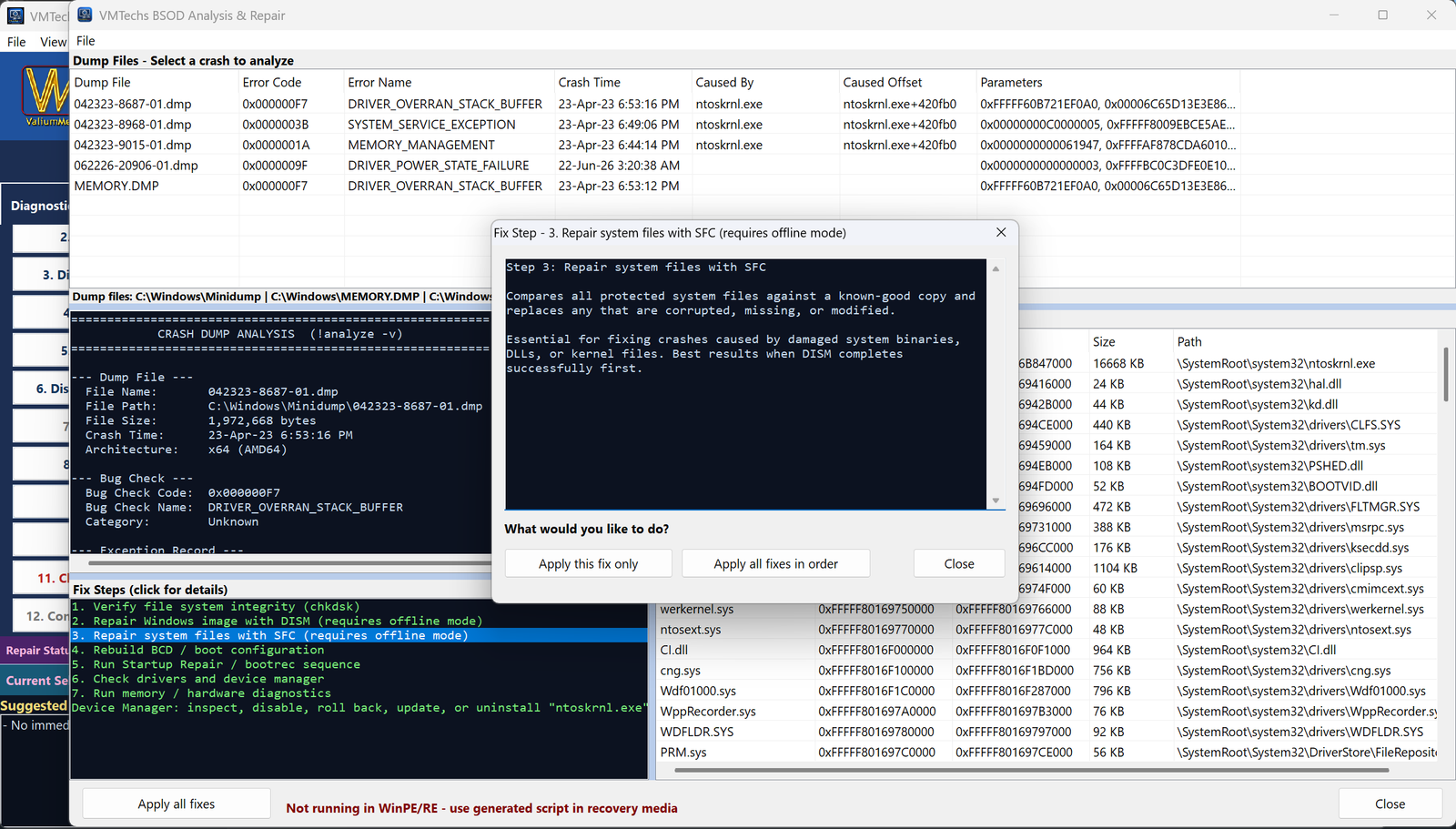
What is a "crash dump" and how does the analyzer fix the crash?
When Windows blue-screens, it can save a memory dump file (e.g. C:\Windows\MEMORY.DMP or Minidump files). The toolkit's Dump Analyzer reads these files, extracts the bug check code and parameters, and cross-references its built-in error database to tell you — in plain language — which driver or component most likely caused the crash. Based on the identified root cause it can then run the appropriate automated repair sequence — no more googling cryptic hex codes or guessing which fix to try.
I'm a repair technician. What are my licensing options?
Activation code packs: bundles of 1-month codes — from Tech Trial (5 PCs, $19) to Tech Shop (200 PCs, $249 — $1.25 per PC). On the job, take the Request Code from the customer's app, use one pack code from your phone at vmtechs.com/activate/redeem, and that PC runs PRO for 31 days. Technician licensing availability is shown in the technician section below. USB technician license (available now): one signed file on your stick unlocks PRO on unlimited customer PCs for a full year — no codes, no phone. It's bound to the stick's hardware serial, so reformatting never kills it. Solo (1 stick) $149/year, Shop (up to 3 sticks) $279/year. USB technician license availability is shown in that section. See the
technician section for full details.
 VMTechs