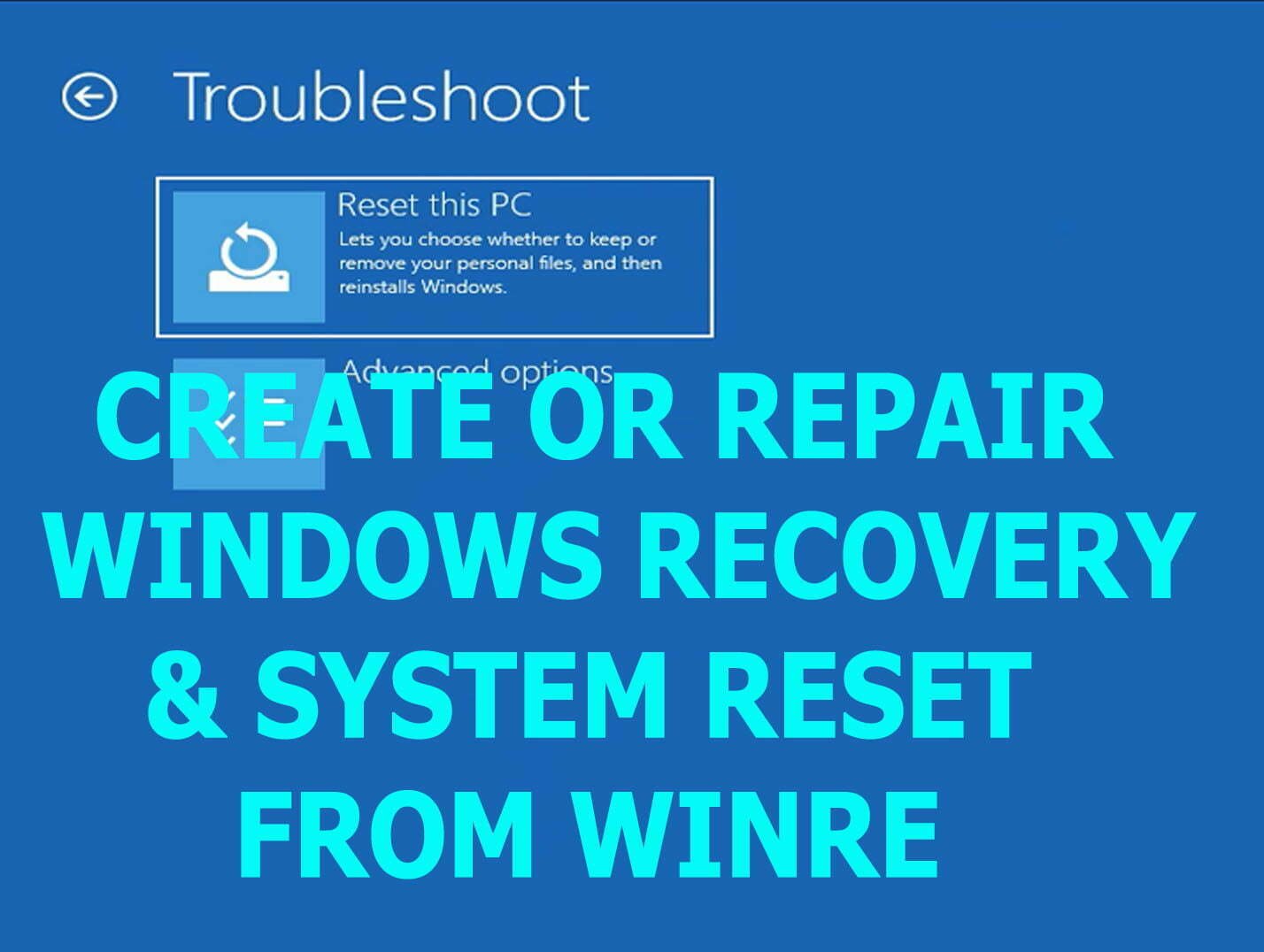
How to Enable Windows Recovery & System Reset from Advanced Recovery Menu
How to enable windows recovery environment and system reset from Advanced Recovery boot menu while booting from a bootable USB drive in windows 10 & windows 11.
Exclusive Fixes for Windows OS Issues!
Facing boot failure issues? Discover expert tips, troubleshooting guides, and solutions to help you fix boot problems and get your computer running again!
How to enable windows recovery environment and system reset from Advanced Recovery boot menu while booting from a bootable USB drive in windows 10 & windows 11.
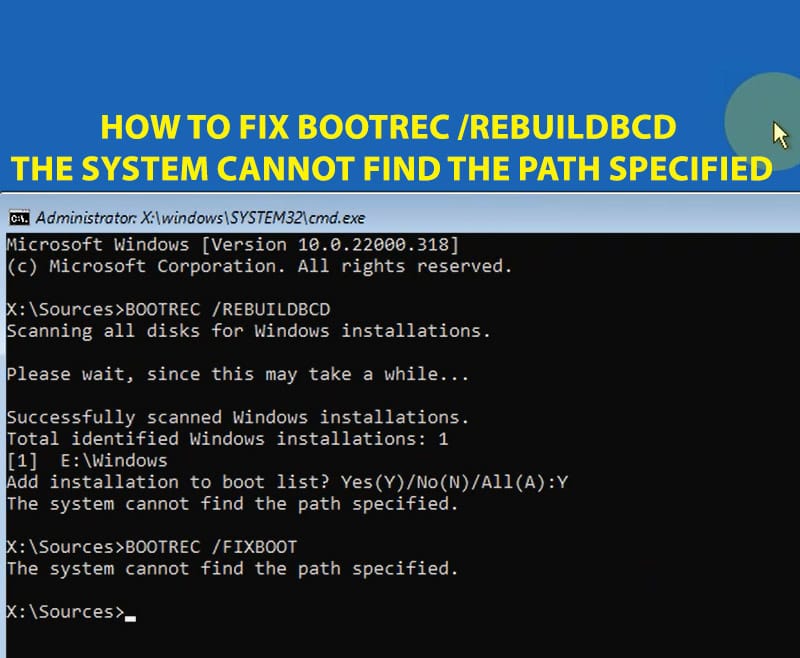
how to fix “The System Cannot Find the Path Specified” or "Bootrec RebuildBCD the Requested System Device Cannot be Found" in windows 10 and Windows 11.
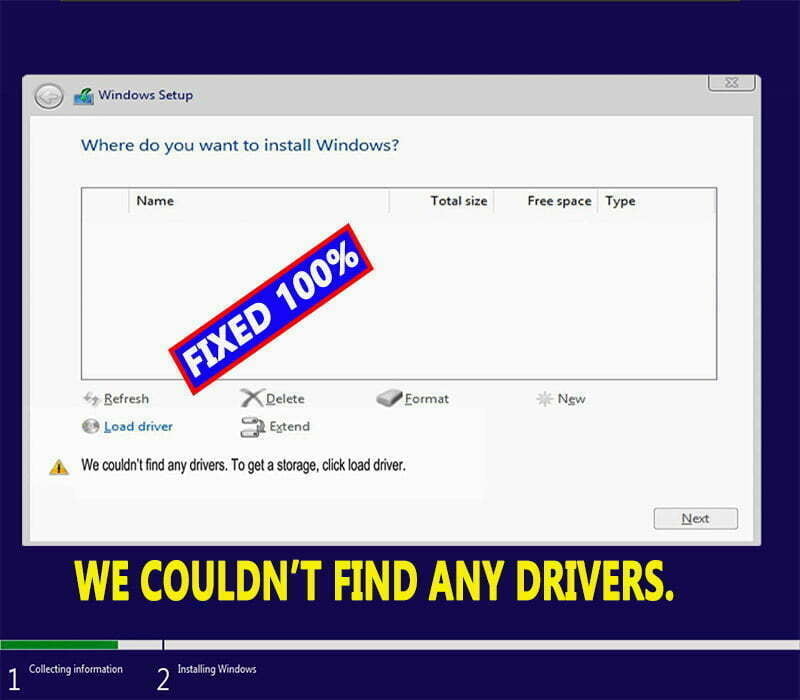
How to fix hard disk partitions not detecting while installing windows 11 or windows 10 with this error message: “We couldn’t find any drivers.

Learn how to disable disk check at windows startup with this message: To skip disk checking press any key within 8 seconds in any windows PC.
learn how to boot into safe mode in windows 11, 10, 8 & 7, and how to turn safe mode off if the PC forced to boot into safe mode…
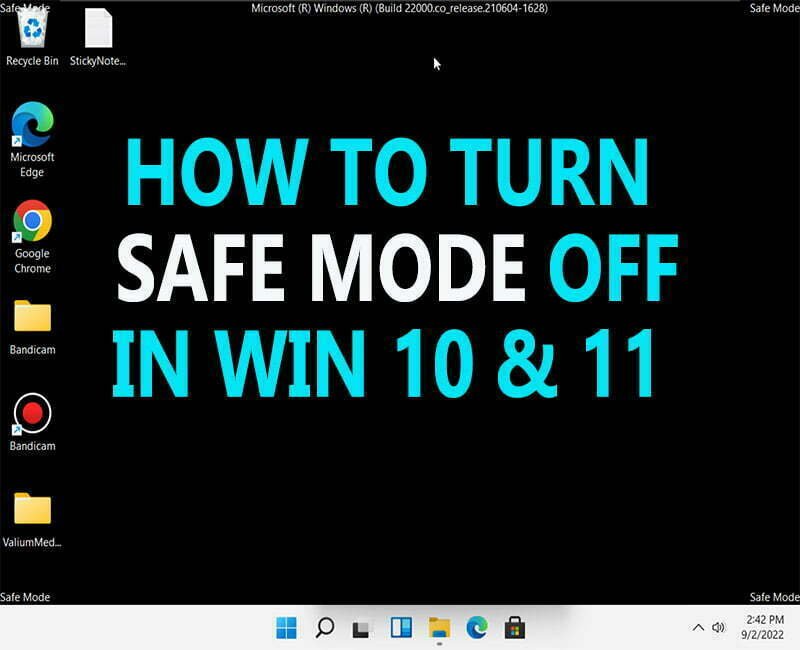
On this topic, you will learn how to turn Safe Mode Off in windows 11 or windows 10 operating systems easily and in different methods

How to fix blue screen boot loop in windows 11 & 10 with this error: “Your Device Ran into a Problem & Needs to be Restart” SYSTEM THREAD EXCEPTION NOT…
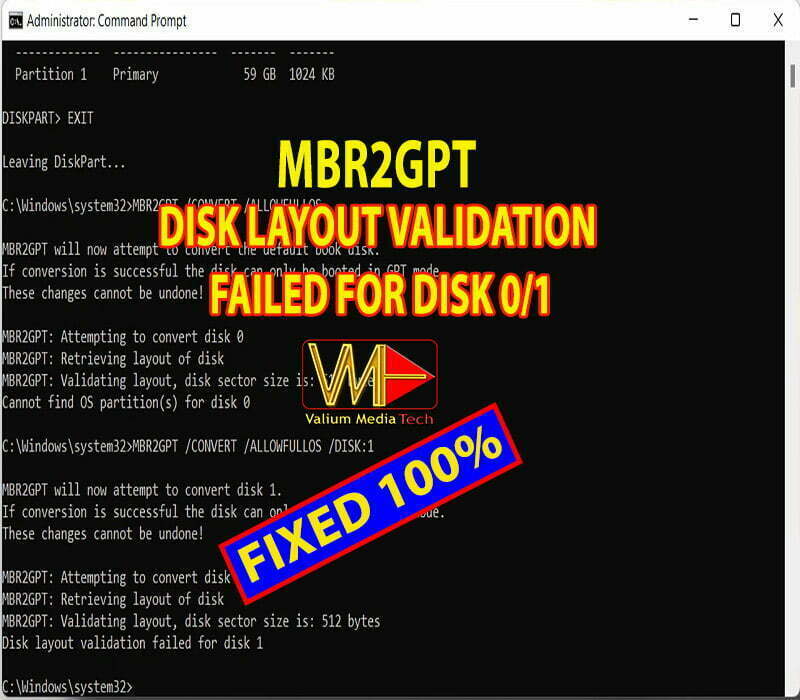
How to fix MBR2GPT failure with this error message: “Disk Layout Validation Failed for Disk 0/1” in windows 10 or windows 11.
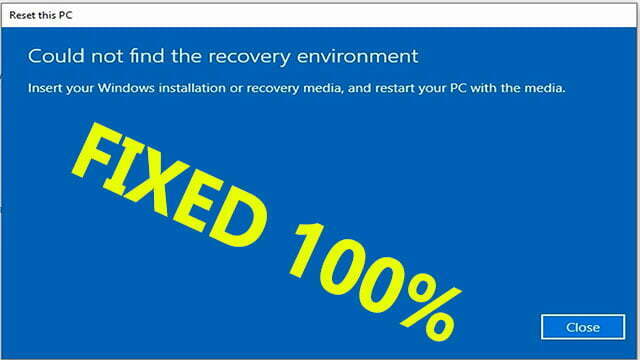
How to enable Recovery Environment to fix “Could not find recovery environment” error that can prevent you from resetting your PC to Default
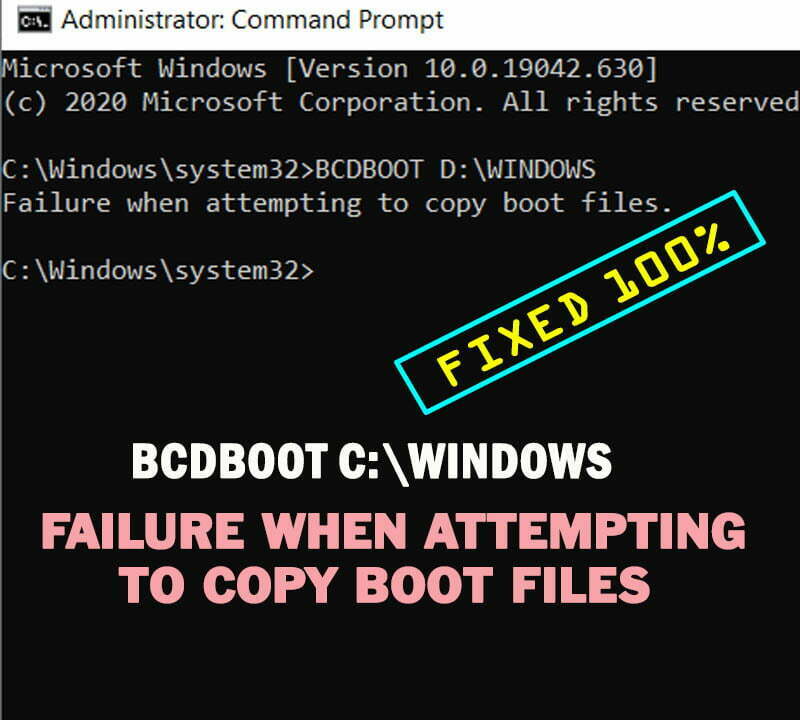
How to fix Failure when attempting to copy boot files when using BCDBOOT to rebuild Boot Configuration Data (BCD) in windows 10 or windows 11.