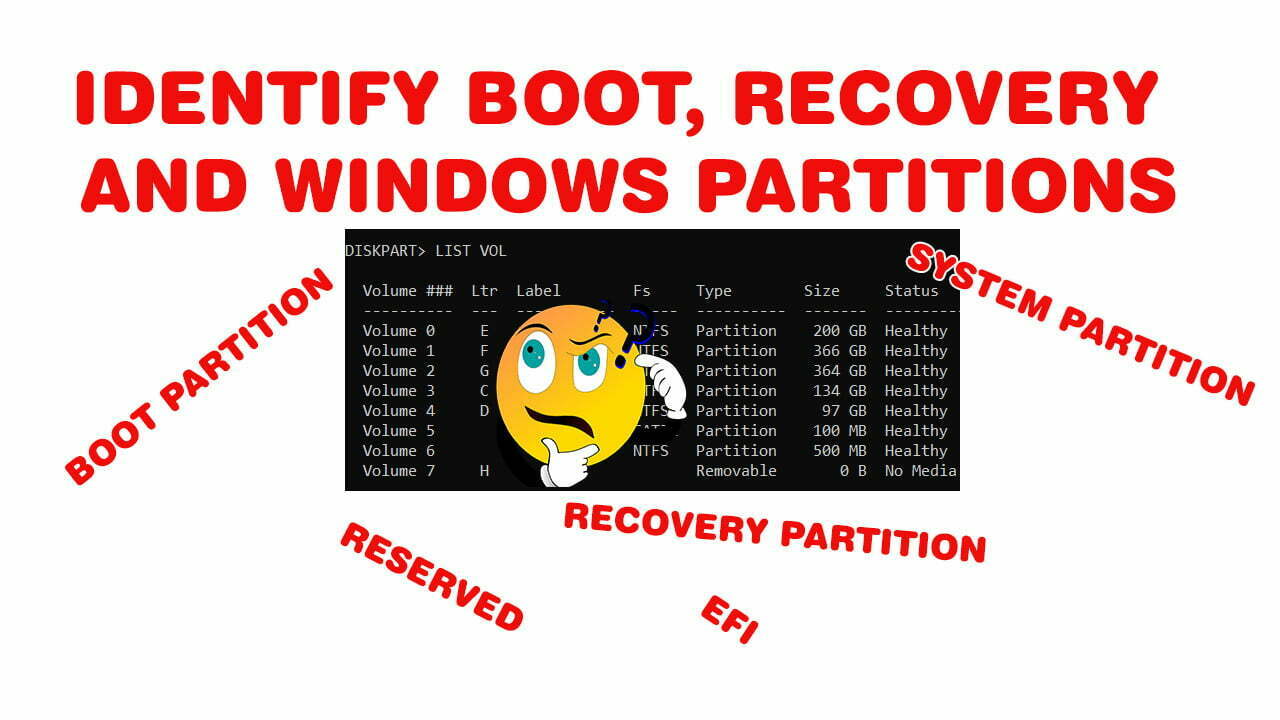
How to Identify Boot, System and Recovery Partitions in Windows 10 & 11
how to identify the boot or EFI partition in windows 10 and how to differentiate it from Recovery and windows partitions in both GPT & MBR systems.
Exclusive Solutions for Windows OS Issues!
Explore the latest in Windows 11! Find tips, tutorials, and updates to enhance your experience and maximize the features of Microsoft’s newest OS.
how to identify the boot or EFI partition in windows 10 and how to differentiate it from Recovery and windows partitions in both GPT & MBR systems.
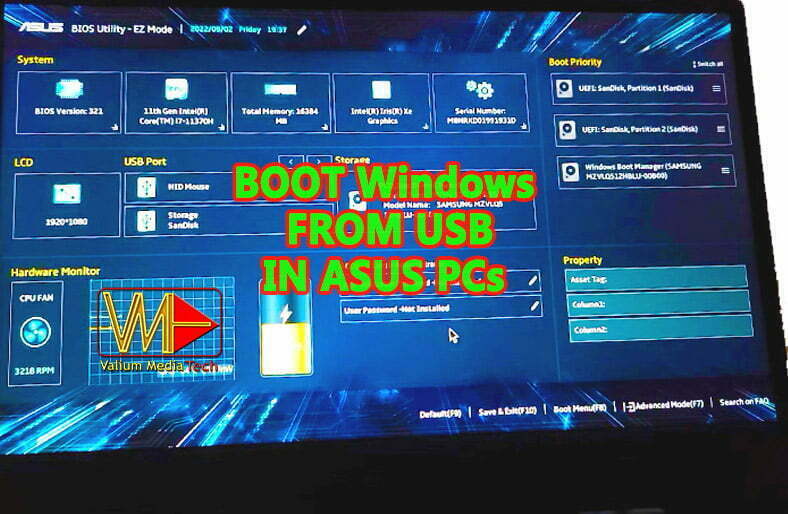
how to boot from USB of windows 10 or windows 11 in Asus laptops or desktops, and how to setup Megatrends BIOS settings to troubleshoot Boot Failure.
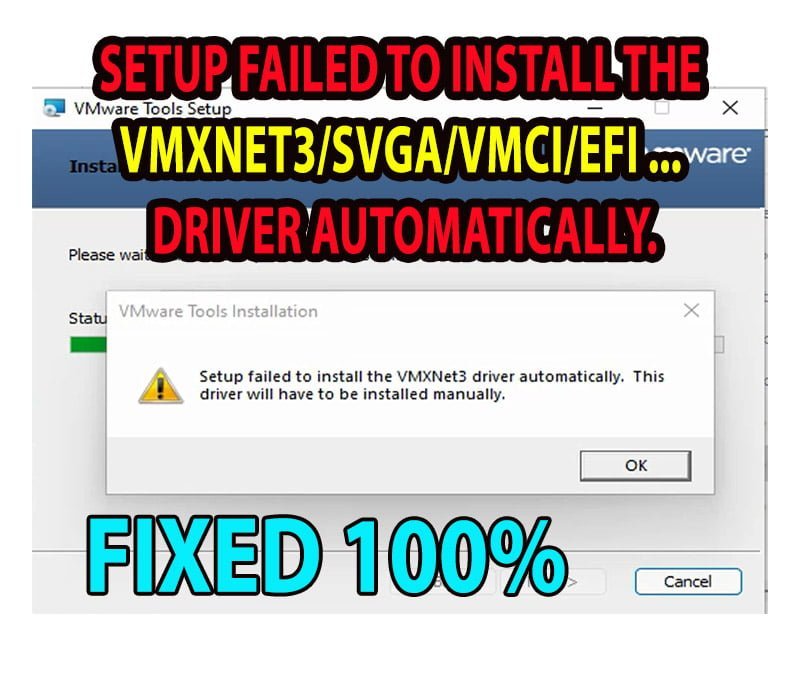
How to fix this error “Setup Failed to Install the VMXNet3 Driver Automatically” while installing VMWare workstation Tools in windows 10 & 11 virtual machine.
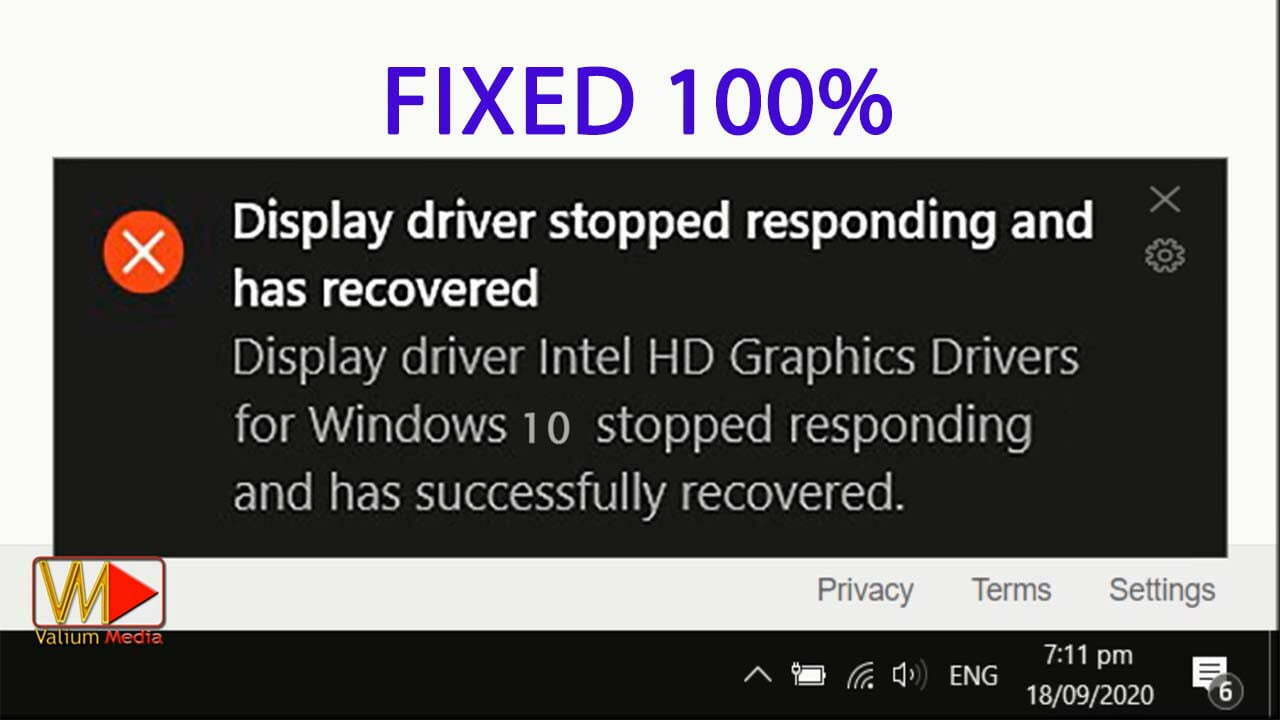
How to fix unresponsive or frozen screen with the following error message: “Display driver stopped responding and has recovered” (nvlddmkm igfx)
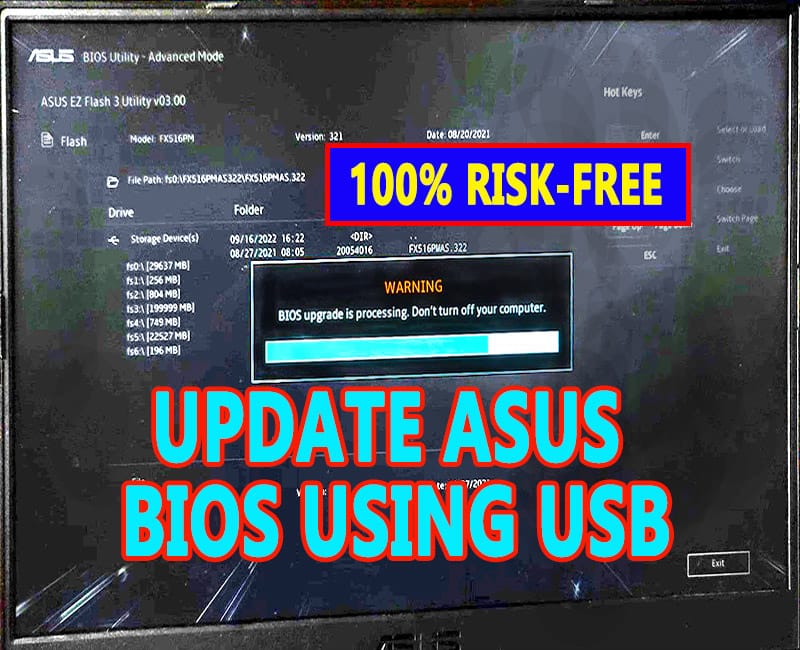
Learn how to update American Megatrends BIOS in Asus Motherboard using USB flash drive and Asus EZ flash installer in windows 10 or 11 computers.
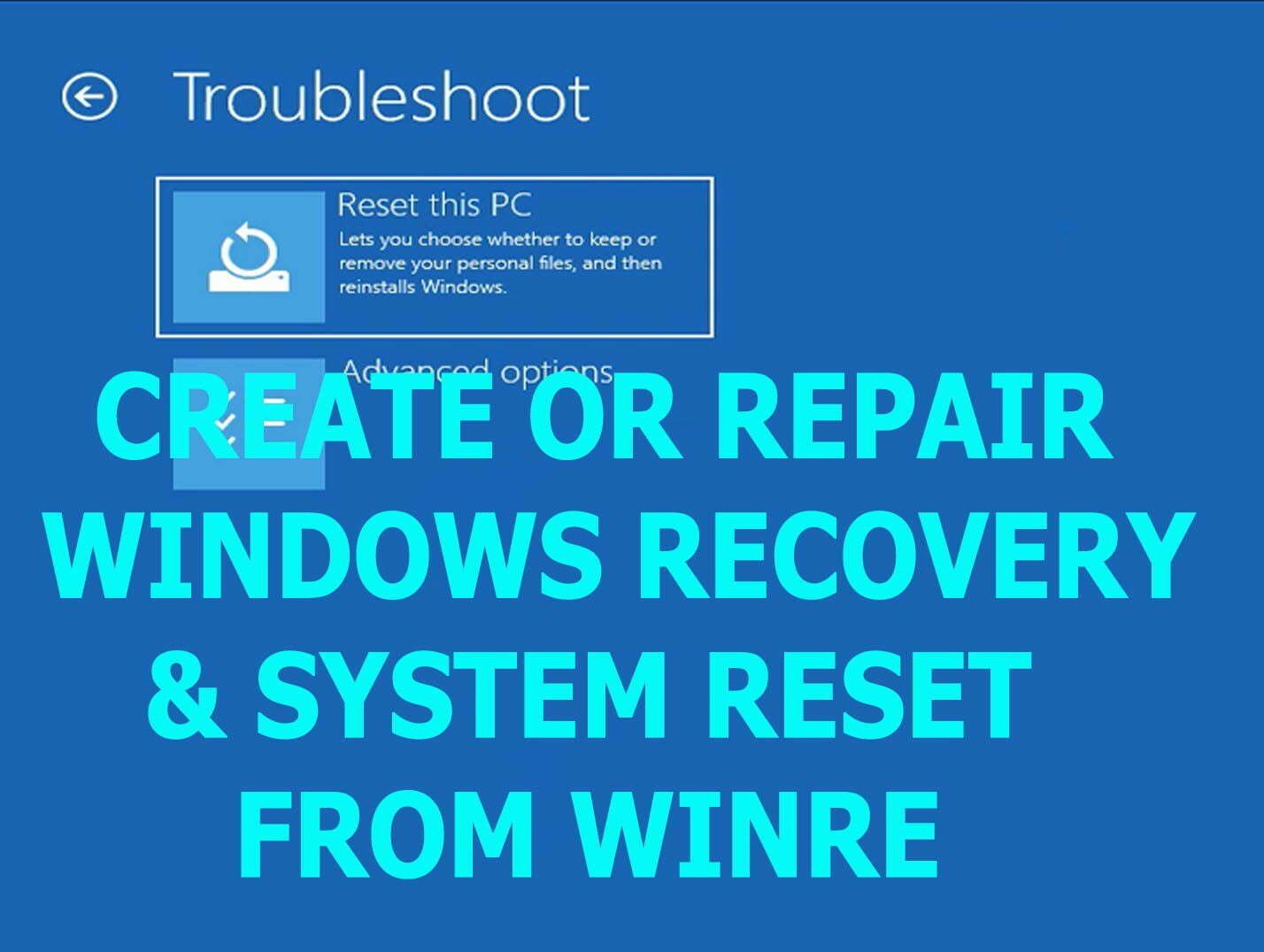
How to enable windows recovery environment and system reset from Advanced Recovery boot menu while booting from a bootable USB drive in windows 10 & windows 11.
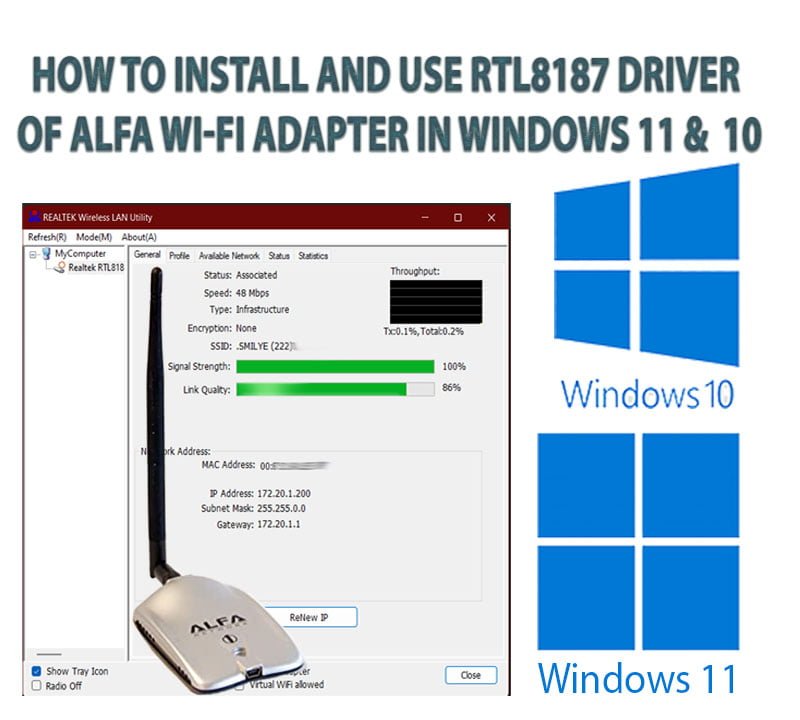
How to install and use Alfa RTL8187 Driver of Alfa Wi-Fi Adapter correctly to get the correct MAC address in windows 10 & 11 without incompatibility error.
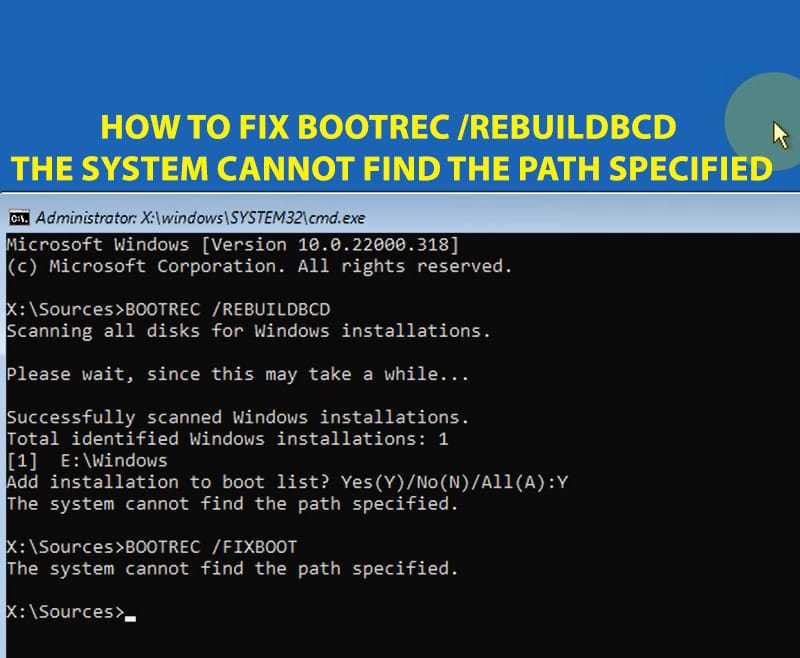
how to fix “The System Cannot Find the Path Specified” or "Bootrec RebuildBCD the Requested System Device Cannot be Found" in windows 10 and Windows 11.
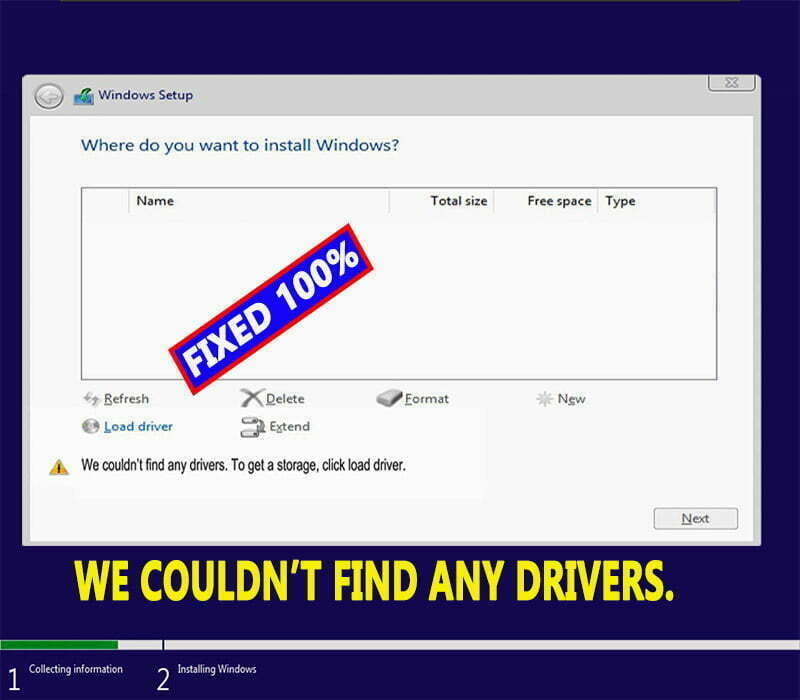
How to fix hard disk partitions not detecting while installing windows 11 or windows 10 with this error message: “We couldn’t find any drivers.

Learn how to disable disk check at windows startup with this message: To skip disk checking press any key within 8 seconds in any windows PC.